

- Go to **Settings -> Passwords -> Password Options -> Toggle on “AutoFill Passwords and Passkeys”
- Switch on Passwords option to enable iCloud Passkeys.
- Open the Clave app.
- Continue with registration process described in how to create account section
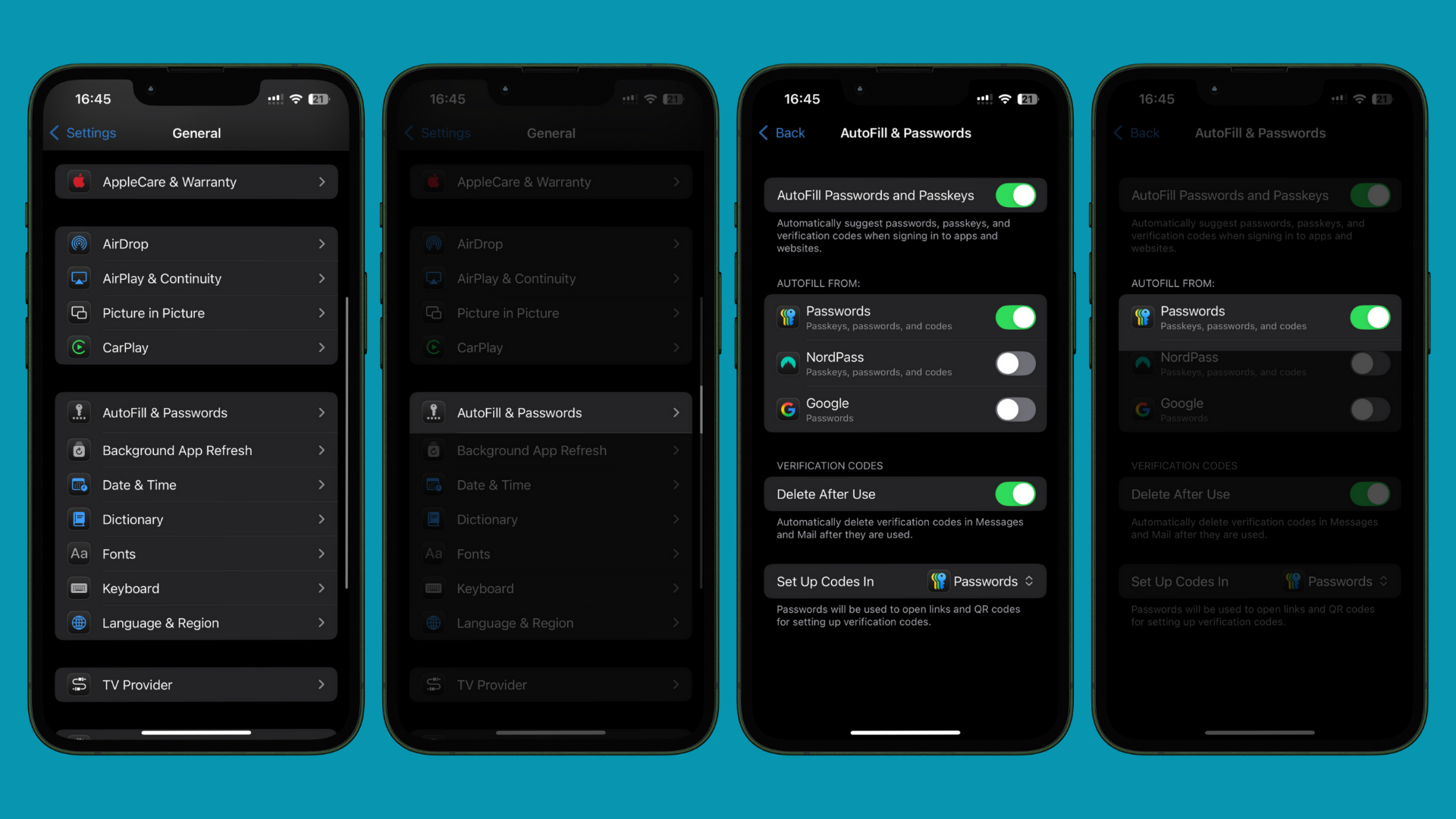
Guide for setting up passkeys with iCloud Keychain.